


Apache Hop 101, introduction and installation

By Mori HUANG
May 10, 2026
Never miss our publications about Open Source, big data and distributed systems, low frequency of one email every two months.
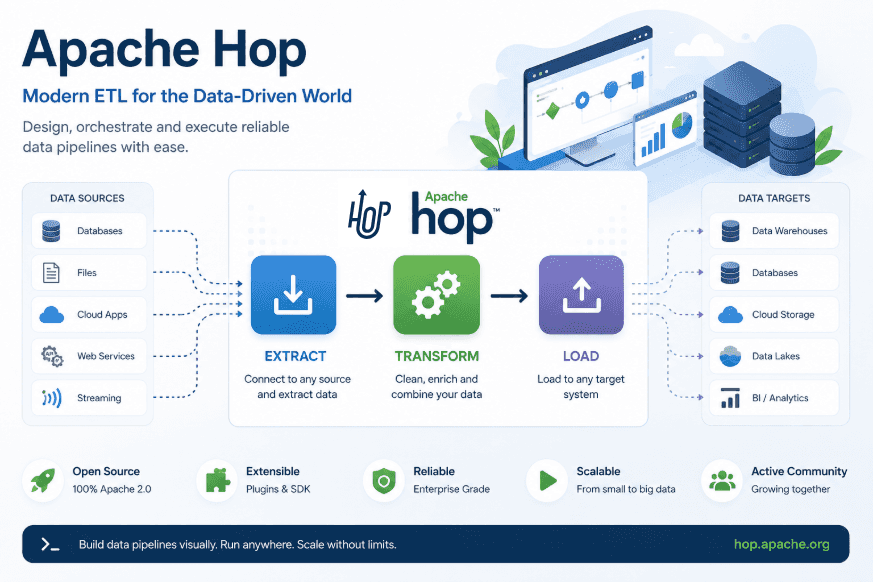
Apache Hop is an ETL (Extract Transform and Load) tool designed to make pipeline development intuitive, maintainable, and scalable.
This article is part of a serie of 2 articles:
- Apache Hop 101, introduction and installation
- Apache Hop 101, quick tutorial to get started
Originally forked from the Pentaho Data Integration (PDI or Kettle), Apache Hop has evolved independently, and while some elements differ from PDI, the familiarity still makes it approachable for users.
The data orchestration and data engineering platform not only lets data engineers design workflows and pipelines visually but also allows version control thanks to its file-based architecture and flawless integration with Git technology.
Hop also features a flexible plugin system to extend its functionality with custom plugins, including pipeline and workflow engines, database, and other components.
Kettle/PDI and Hop
The two projects share similar concepts, which may feel intuitive to users familiar with PDI. Plus, PDI projects can be imported into Hop though with limitations. This feature significantly lowers the barrier for teams with existing investments in PDI, providing a smoother path to upgrading and transitioning to Hop.
Please refer to Hop vs. Kettle for more details comparing the two solutions, and the import method from PDI to Hop.
Git integration
Apache Hop integrates with Git technology to allow version control, enhancing project management. It can be done using command line Git or directly through Hop GUI. For example, the “File Explorer” toolbar in the GUI includes Git options, thus the version of pipeline and workflow can be managed easily. This also supports further integration with continuous integration and deployment (CI/CD) processes.
Apache Airflow also offers a similar approach to version control and CI/CD integration.
User-friendly visual interface
Hop’s user interface is ideal for delivering data orchestration tasks through an intuitive platform. Data engineers are able to focus on the pipeline and workflow construction instead of tedious syntax issues. Moreover workflows and pipelines can be executed in multiple ways, such as through Hop server both locally and remotely. Additionally, pipelines can run on Apache Beam using various runtime engines including Apache Spark, Apache Flink. For more details on Apache Beam, see this article by Adaltas.
Extensibility through plugins
There are built-in plugins, as well as a collection of additional plugins that can be used with Apache Hop but are not included by default, these can be found in the Hop Plugins Github repository. Plugins allow extension on Hop functionality, and can also be customized for specific use cases.
Hop architecture
Hop user interfaces
Hop GUI is a visual interface used to control, manage, and develop workflows and pipelines, as well as to monitor execution and perform debugging. It shifts data orchestration from code-based control to a visual, user-friendly approach.
Hop Web
Hop Web provides a similar experience in a web environment by offering browser-based access, enabling remote development, collaboration, and cross-platform compatibility without requiring local installation. Additionally, the web interface ensures all users work with the same version of the platform, eliminating version inconsistencies across the team.
Hop Server
Hop Server is a lightweight server to manage and run workflows and pipelines using “Remote pipeline” or “Remote workflow” run configurations.
Projects and environments
Projects are groups that include workflows, pipelines, metadata objects and variables. They can be associated with one or more environments.
Environments, on the other hand, mainly handle the runtime configurations and other metadata for the project, and can be assigned to a project.
Workflows and pipelines
Workflows and pipelines are the core building blocks in Hop. A pipeline processes data directly through operation such as cleaning, enriching, and writing. In contrast, a workflow is designed to orchestrate a sequence of tasks or actions, which may include executing pipelines.
A pipeline is made up of one or more transforms connected by hops, forming a network through which data flows from one transform to another. Each transform serves the fundamental processing unit in a pipeline. It performs specific tasks such as reading from a data source, writing to a database or data warehouse, or running SQL script. All transforms are started simultaneously and executed in parallel within a pipeline.
A workflow, on the other hand, consists of actions and hops. Unlike pipelines which perform direct operation on data, a workflow focuses on orchestration of operations such as executing another workflow or pipelines, handling remote files, and sending notifications. A workflow requires a defined starting point and may include one or more endpoints. By default, workflows work sequentially: each action begins only after the previous one completes. Each action represents a single task within a workflow such as running another workflow or pipeline, managing files, or sending alerts. Actions return a boolean exit code, which can be further used to control the next step in the workflow.
In both pipelines and workflows, hops define the execution flow: in pipelines, hops connect transforms; in workflows, they connect actions.
Learn more about Hop’s core concepts in the official documentation, and explore its architecture in greater detail here.
Environment setup
Prerequisite
Docker is expected to be available on the system. Please follow the getting started from Docker’s official site to quickly set up an experimental environment for Apache Hop.
Launch Docker container as a Hop demo environment
The hop-demo directory is created inside the home folder, along with subdirectories hop-web and hop-server. A Docker Compose YAML file is added to hop-demo to launch containers for the web-based Hop GUI (Hop Web) and the Hop server.
mkdir -p ~/hop-demo/hop-web ~/hop-demo/hop-server
cd ~/hop-demo
cat <<EOF > compose.yaml
services:
  hop-web:
    image: apache/hop-web:latest
    container_name: hop-web
    ports:
      - "8080:8080"
    environment:
      HOP_HOME: /home/hop
      HOP_SERVER_URL: http://localhost:8080
      HOP_SERVER_PORT: 8080
      HOP_SERVER_CONTEXT_PATH: /hop
    volumes:
      - ./hop-web:/home/hop
    networks:
      - hop-network
  hop-server:
    image: apache/hop:latest
    container_name: hop-server
    ports:
      - "8081:8080"
    environment:
      HOP_HOME: /home/hop
      HOP_SERVER_URL: http://localhost:8081
      HOP_SERVER_PORT: 8080
      HOP_SERVER_CONTEXT_PATH: /hop
      HOP_SERVER_USER: demo
      HOP_SERVER_PASS: <password>
    volumes:
      - ./hop-server:/home/hop
    networks:
      - hop-network
networks:
  hop-network:
    driver: bridge
EOF
The demo environment is started with Docker Compose.
docker compose up -dThe accessibility of Hop Web and Hop Server can be verified via their respective default ports 8080 for Hop Web and 8081 for Hop Server.
Conclusion
Apache Hop is a modern and flexible ETL solution, combining an intuitive visual interface, native Git integration, and an extensible architecture tailored to the needs of data engineers. The next articles in this series will dive deeper into building concrete pipelines and workflows, making full use of the platform’s capabilities.
